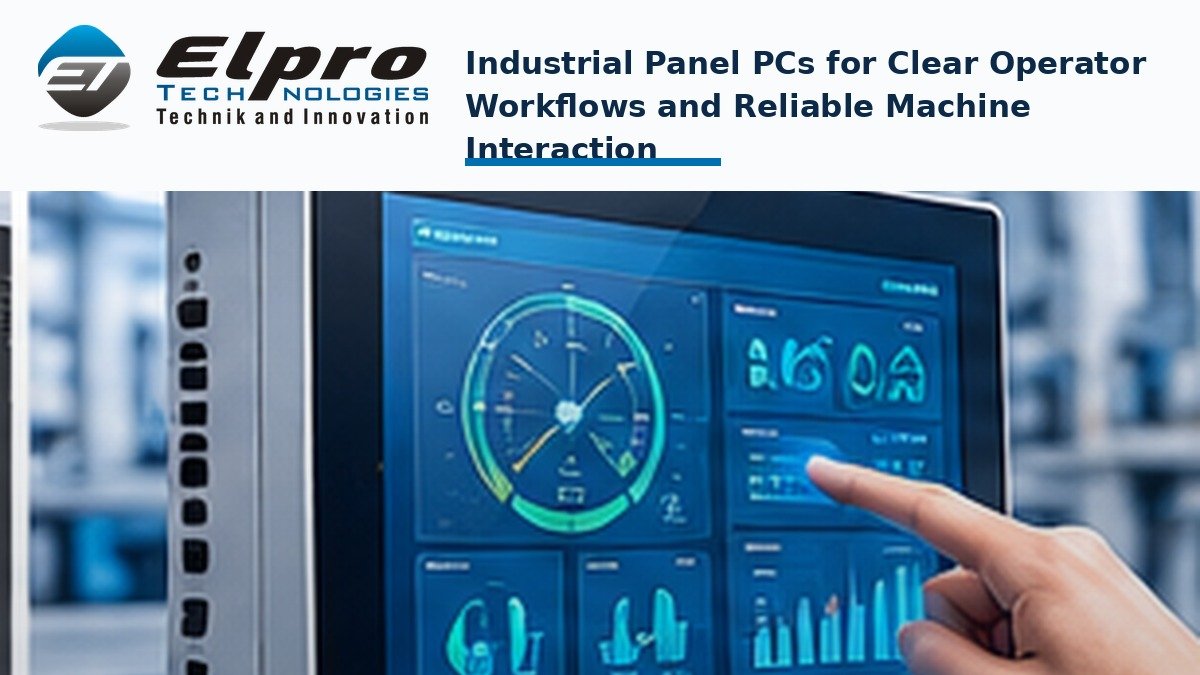
A well-designed operator station brings the machine’s essential information into clear view while fitting the realities of the production environment.
The Operator Interface Is Part of the Machine
A Panel PC is more than a display fixed into a cabinet door. It is the point where an operator reads process conditions, responds to alarms, selects recipes and interacts with machine software. A well-chosen unit makes information visible without adding unnecessary complexity to the station. Screen size, touch behavior, computer performance, front protection and mounting all influence how effectively the operator can use it.
Start with the Tasks Performed at the Screen
Observe the operator workflow before specifying the display. Determine viewing distance, the number of values shown at once, whether gloves are worn, how often the screen is touched and whether users need a stylus or barcode scanner. Consider the lighting around the machine and the possibility of water, oil or cleaning chemicals. These details are more useful than choosing a screen size by appearance alone.
Touch Technology and Display Readability
Projected capacitive touch provides a familiar multi-touch experience for many applications, while resistive technology may suit workflows involving certain gloves or styluses. The right choice depends on the actual operator, interface and environment. Brightness, contrast, anti-glare treatment, viewing angle and resolution should be checked using the production screen layout at the intended mounting position.
Computing Performance and Software Compatibility
The internal platform must run the selected HMI, SCADA client, browser-based interface or custom application smoothly. Check processor, memory, storage, graphics, operating system and driver availability. If the interface displays trends, video or complex graphics, test its performance with the real project. Confirm software licensing and long-term compatibility before standardizing on a model.
Panel Cut-Out, Protection and Installation
Mechanical fit is essential. Confirm the cut-out dimensions, bezel size, mounting depth, clamp arrangement, cable exit and rear clearance. Review the front-panel ingress rating and the protection of rear connectors separately. A rated front surface does not automatically make the entire installation suitable for washdown or outdoor exposure. Use appropriate gaskets, enclosures and cable routing for the location.
Integration with PLCs and Plant Networks
Panel PCs commonly communicate with PLCs, drives, remote I/O and supervisory software. Map Ethernet, serial, USB and display connections, then confirm protocol drivers and network requirements. Consider whether the HMI needs one or more network interfaces and how remote maintenance will be controlled. Validate the interface with the actual controller and test what the operator sees when communication is lost.
Panel PC Configurations for Different Work Areas
A machine-side station may call for a compact fanless Panel PC, while a washdown or specialist installation may require a different front construction and protection approach. Other options include industrial monitors connected to a separate computer, stainless-front models, resistive touch units and high-brightness displays. Explore touchscreen kiosk systems for shared public or visitor interfaces and industrial PC platforms for separate cabinet-mounted computing.
Usability Testing and Service Planning
Before rollout, ask operators to complete normal tasks on the proposed screen. Check text readability, touch accuracy, alarm acknowledgement, navigation, startup and recovery. Record the approved software image and mounting details, and train maintenance staff on cleaning and replacement procedures. Related industrial computers, edge AI systems and rugged tablets can extend the same workflow to cabinets, analytics and mobile service.
Related Industrial Product Categories
- Industrial touchscreen Panel PCs
- Fanless Panel PCs
- Resistive touchscreen Panel PCs
- Projected capacitive Panel PCs
- Industrial monitors
- Stainless-front display systems
- Embedded box PCs
- Mounting and I/O accessories
Explore Related Elpro Technologies Solutions
Explore rugged tablet PCs for industrial field operations, touchscreen kiosk systems, industrial PC solutions, industrial computer platforms and industrial edge AI computers to understand related computing options across connected industrial environments.
Frequently Asked Questions
What is industrial panel pcs used for?
They provide a combined computer and touch display for machine operation, process visualization, alarm handling, recipe selection, inspection workflows and production monitoring.
Which industries commonly use industrial panel pcs?
Manufacturing, packaging, food processing, pharmaceuticals, utilities, logistics and process industries use operator panels where people need a fixed machine-side interface.
How should a buyer define the required configuration?
Define operator tasks, screen size, viewing distance, touch method, software, compute load, mounting cut-out, front protection, I/O, power and cleaning conditions.
How do processor and memory requirements affect selection?
The processor and memory must support the HMI or SCADA client, graphics, data refresh and any concurrent application. Test the actual project on the selected hardware.
Which interfaces should be checked before ordering?
Review Ethernet, USB, serial, display, audio or specialist I/O as needed. Confirm physical connector placement and the drivers or protocol libraries required by the controller.
Can this equipment connect with PLC, SCADA or MES systems?
Yes, if the Panel PC’s software and network interfaces support the controller and supervisory platform. Verify the exact PLC driver, protocol, update rate and recovery behavior.
What operating-system and software checks are important?
Confirm OS version, HMI software certification, touch drivers, browser or runtime dependencies, licensing and update lifecycle. Lock a tested image for production.
How should temperature and environmental conditions be assessed?
Assess ambient temperature, front and rear protection, dust, moisture, vibration, glare, cleaning chemicals and cabinet ventilation. Verify ratings for the complete installation.
Is the equipment suitable for continuous operation?
Many industrial Panel PCs are intended for long operating schedules, but actual suitability depends on the specific model, workload, cooling, power and environment.
Can the solution be integrated into an existing installation?
Yes, subject to cut-out dimensions, available space, power, network access and controller compatibility. Check the existing panel design before ordering.
What should be tested before commissioning?
Test touch response, screen visibility, alarm handling, application startup, PLC communication, power recovery, mounting security and operation under site lighting.
What information should be shared when requesting a quotation?
Share screen size, touch preference, HMI software, PLC model, OS, processor load, I/O, cut-out dimensions, front protection, power, environment and quantity.
Elpro Technologies
ELPRO TECHNOLOGIES
Technik and Innovation
#43, 2nd Cross Road, P&T Colony, R.T. Nagar, Bengaluru – 560032
sales@elprotech.in | info@elprotech.in
+91-8892147021 | +91-8892147023
www.elprotech.in