
TL;DR: A rugged tablet for warehouse operations is a sealed, impact-tested Android or Windows terminal—usually rated IP65 or IP67—that runs inventory applications and scans barcodes throughout a long shift. Select the operating system supported by your inventory software, align the protection rating and scanner engine with each floor routine, and source hardware from a trusted industrial rugged tablet supplier India. Always run a 10 to 20 unit trial for 30 days before committing to fleet orders.
Key takeaways
- Assign hardware based on exact operational duties. Screens between 8 and 10 inches belong on forklifts, mobile carts, and receiving bays, while small industrial handheld computers better suit active walking and single-handed picking.
- IP65 satisfies standard dry, covered facilities. IP67 justifies its cost across open outdoor yards, rain-exposed unloading bays, and wash-down sectors.
- Select Android whenever your inventory system runs via a native app or web browser. Choose Windows if your stack relies on desktop clients, SAP GUI, or legacy Windows print drivers.
- Evaluate any rugged tablet dealer India on spare parts availability, repair turnaround times, and long-term OS patch guarantees—not just sales datasheets.
- Monitor scan accuracy rates, dock-to-shelf speed, and hardware failure figures over a 30-day trial before purchasing at volume.
Table of contents
- What is an industrial tablet for warehouse management?
- Where does a rugged tablet fit in the warehouse workflow?
- Which ruggedness specs matter: IP65, IP67 or MIL-STD-810H?
- Rugged Android tablet or Windows rugged tablet?
- Rugged tablet with barcode scanner: built-in or add-on?
- How to choose a rugged tablet manufacturer India operations can rely on
What is an industrial tablet for warehouse management?
An industrial tablet for warehouse management is a fully enclosed, shockproof computer built to run tracking systems, barcode tools, and floor tasks for pickers, lift operators, and dock leads. It replaces consumer-grade screens and paper sheets in environments where dust, drops, heat, and ten-hour shifts break normal electronics.
This class sits alongside the industrial handheld computer—its pocket-sized relative with 4 to 6-inch screens. Tablets range from 7 to 10 inches, finding their home mounted on forklifts, resting on carts, stationed at dock desks, or carried on floor audits. The exact same frame functions as a rugged tablet for field service, an industrial tablet for manufacturing, or a rugged tablet for construction, allowing one vendor to cover multiple facility needs.
Timing matters in 2026. Microsoft officially ended support for Windows 10 back on 14 October 2025 (Microsoft, 2025). Any Windows device you buy today must ship with genuine Windows 11 IoT Enterprise or Windows 11 Pro rights. Android hardware operates on a different schedule, where security patch commitments vary wildly between vendors and require strict contractual guarantees.
Sourcing from a rugged industrial tablet manufacturer India provides equipment tested for these tough operating environments. Metal-roofed sheds easily top 40°C in peak summer, monsoon humidity sneaks into unsealed ports, and cold-storage units subject devices to brutal temperature swings—from -20°C up to loading dock heat in a flash. Standard office tablets collapse under those conditions within months.
Where does a rugged tablet fit in the warehouse workflow?
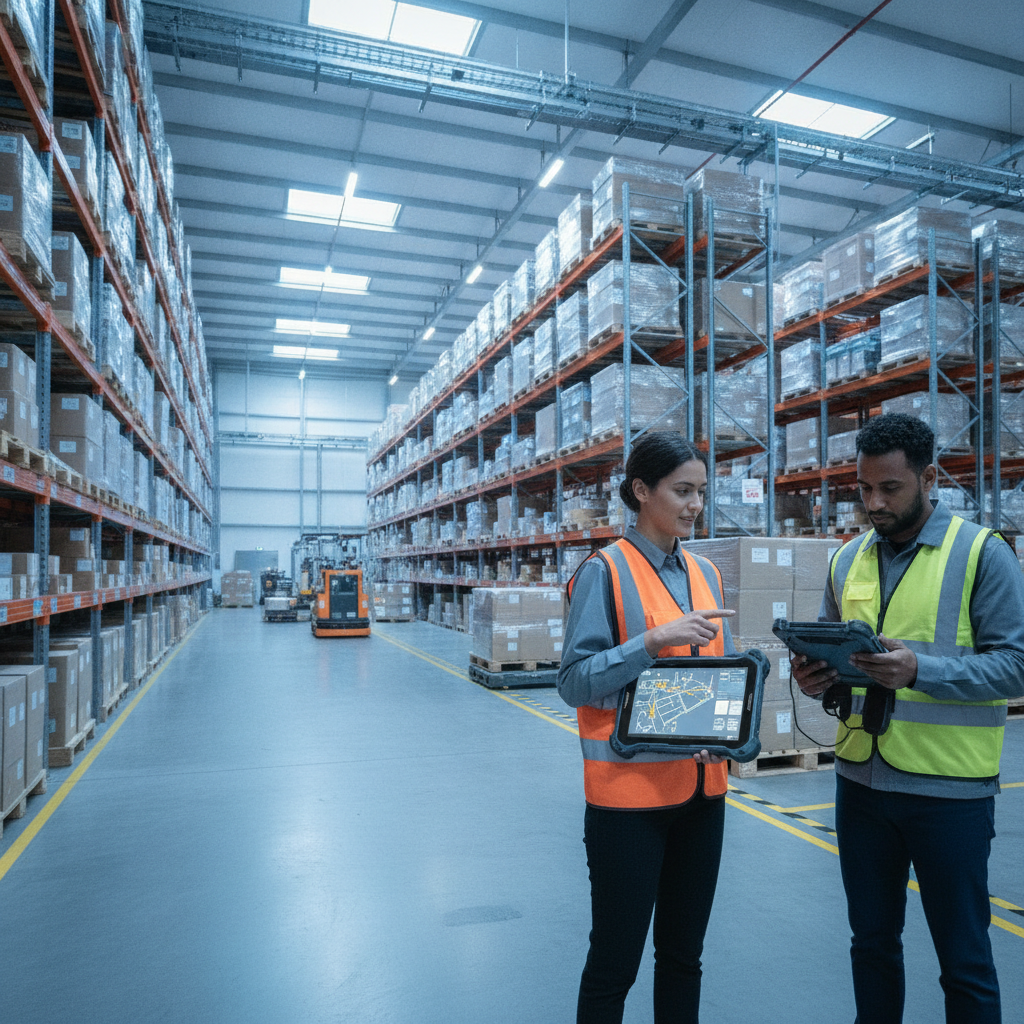
A rugged tablet excels wherever workers remain station-bound or operating machinery, needing far more screen real estate than a handheld can offer. Think receiving docks, vehicle mounts, picking carts, packing stations, and supervisor rounds. Handheld terminals remain superior for high-volume foot travel and quick single-handed scans.
| Operational stage | Typical device | Decisive purchase factor |
|---|---|---|
| Receiving and dock | 8–10 inch tablet mounted at desk; handheld for floor checks | ASN/PO verification, damage photo capture, stable Wi-Fi roaming |
| Forklift putaway | Vehicle-mounted tablet with external or Bluetooth ring scanner | Vibration dampening, wide-voltage DC power support, glove touch support |
| Order picking | Handheld for aisle walking; cart-mounted tablet for cluster picking | Hot-swappable power, extended-range scanner for high racks |
| Packing and dispatch | Benchtop tablet wired to a Bluetooth label printer | Driver compatibility, rapid scan-to-pack confirmation |
| Cycle counting | Tablet with integrated 2D imager, optional UHF RFID | Long battery life for non-stop scanning, offline storage support |
| Cold storage | Low-temperature rated tablet frame | Certified operating range, internal heater, moisture control |
The core selection logic is direct. If an employee spends most of their time driving a vehicle, pushing a cart, or standing at a fixed desk, assign a tablet. If they spend hours walking narrow aisles while needing a free hand, give them a handheld.
Consider an operational example: a consumer goods logistics site handles eight inbound bay doors with two shift leads. Mounting a terminal at every bay door allows staff to process receiving documentation, take photos of crushed pallets, and record putaway locations without marching back to a desktop computer. Meanwhile, floor pickers use lightweight handhelds so heavy devices don’t drag down foot speeds.
Floor supervisors represent a frequently overlooked team. They monitor order bottlenecks, manage staffing levels, and adjust system settings—tasks that look squeezed and unreadable on a 5-inch handheld display. A 10-inch Windows or Android screen with cellular backup gives them full floor mobility without limiting site access.
Which ruggedness specs matter: IP65, IP67 or MIL-STD-810H?
For standard indoor industrial facilities in India, an IP65 industrial tablet backed by realistic drop certifications works fine. Upgrading to a waterproof rugged tablet or IP67 rugged tablet build makes sense primarily for outdoor yards, wet loading docks, or wash-down facilities. Ingress protection codes tell you nothing about impact resistance, so inspect water ratings and drop testing limits separately.
The IP rating standard is managed under IEC 60529 by the International Electrotechnical Commission. The first digit measures resistance against dust and solids, while the second measures liquids. A water-resistant shell only works if the rubber gaskets and port covers stay fully sealed over time.
| Rating or claim | What it covers | What it does not cover | Best fit |
|---|---|---|---|
| IP65 | Dust-tight structure; shields against low-pressure water streams | Water submersion and concrete drops | Indoor facilities, dusty plants, light liquid sprays |
| IP67 | Dust-tight structure; handles immersion up to 1 m for 30 minutes | Hard impacts, deep water, high-pressure washing | Outdoor yards, rain-exposed docks, wash-down areas |
| MIL-STD-810H methods | Environmental testing procedures covering vibration, shock, and humidity | It is a collection of test protocols, not an automatic guarantee | Review specific test certificates and ask for raw lab reports |
| Manufacturer drop rating | Height of drop onto bare concrete and total drop count | Usually excludes attached accessories like bolt-on scanners | Compare figures at identical heights and confirm test surfaces |
Several additional physical properties determine whether hardware lasts on the floor:
- Operating thermal limits: Check ambient ratings against your hottest tin shed and coldest freezer, confirming the battery still accepts a charge under those extremes.
- Screen technology: Verify nit brightness levels for outdoor daylight reading, testing both gloved and wet-finger input on real site floors.
- Power setup: Check total running hours with continuous Wi-Fi and scanning active; verify hot-swap capabilities so shifts never stall out mid-task.
- Port connections: Pogo-pin charging docks endure thousands more drops and seats than fragile USB ports exposed to grit.
- Vehicle mounts: Forklift installations require heavy-duty shock dampening and power converters that survive voltage spikes from electric trucks.
Here is an practical trade-off: true IP67 seals and extreme thermal armor raise device cost and overall weight. If your floor stays dry and shielded, spend those funds on superior scan engines or spare battery packs instead.
Rugged Android tablet or Windows rugged tablet?
Select a rugged Android tablet if your core software operates via a native app or web browser interface. Choose a Windows rugged tablet if your environment depends on desktop applications, SAP GUI interfaces, or legacy print software. The software vendor’s approved hardware list should resolve this question immediately.
| Factor | Rugged Android tablet | Windows rugged tablet |
|---|---|---|
| Software client | Native app, browser interface, or terminal emulation | Desktop client, SAP GUI, browser, or terminal setup |
| Fleet administration | Android Enterprise via MDM; custom launcher and app locking | Intune, Endpoint Manager, or standard Windows tools |
| Security patches | Varies by hardware maker; request multi-year guarantees | Follows standard Microsoft enterprise release cycles |
| External hardware | Bluetooth scanners and printers; basic USB connections | Extensive support for industrial scales, specialized printers, and USB tools |
| Primary user | Pickers, forklift drivers, dock operators | Supervisors, stock controllers, process engineers |
Android device controls have advanced significantly. Tools using Android Enterprise let management lock terminals into strict single-app modes, schedule off-peak updates, and wipe lost hardware remotely. Always verify that your preferred endpoint system—be it Intune, SOTI, or Workspace ONE—supports the exact target hardware before purchase.
Windows remains essential for specialized setups. A plant running custom label generation software through legacy Windows drivers or locked into an old desktop application will waste months trying to port to Android. Many facilities successfully operate a mixed fleet: Android screens for floor workers, Windows displays for shift managers.
Get formal answers from your software vendor on three items: certified client versions, supported operating system releases, and approved terminal emulation tools. If they cannot answer cleanly, expect integration delays down the road.
Rugged tablet with barcode scanner: built-in or add-on?
A rugged tablet with barcode scanner built directly into the housing suits team members who scan constantly and need a single self-contained unit. An external Bluetooth ring or pistol-grip scanner works better for vehicle mounts and long-reach scenarios. Standard camera scanning works fine for occasional audits, but lacks the speed and light handling required for fast-paced order picking.
The quality of the scanning engine matters far more than baseline processor specs. A capable 2D imager reads standard barcodes, QR codes, and DataMatrix patterns even when labels are torn, smudged, or wrapped around shrink wrap. If your operations use standard GS1 India shipping codes, test those exact labels on site during product evaluations.
- High-bay storage: Pallet tags positioned 3 meters or higher demand long-range imagers. Standard short-range engines force drivers to dismount or reposition vehicles constantly.
- Dense bin locations: Near-field imagers equipped with targeted laser pointers stop operators from accidentally reading adjacent tags.
- Forklift operations: Wearing a wireless ring scanner allows the tablet screen to stay locked on the vehicle dash within line of sight.
- Inventory audits: Integrated scan engines paired with offline data storage keep workers active through Wi-Fi dead zones.
There are limits to single-unit setups. Holding a heavy 10-inch screen outward to scan hundreds of packages each hour causes severe wrist fatigue. Physical ergonomics might steer your team toward smaller handheld terminals for pure walking routines.
Track first-attempt read rates and scans per minute during trials to decide based on real floor performance.
How to choose a rugged tablet manufacturer India operations can rely on
A dependable industrial tablet manufacturer India operations rely on controls its device firmware, keeps localized spare parts stock, and signs clear service level agreements for repairs. Always clarify whether you are buying from an industrial tablet distributor India or direct factory partner, because a stalled loading dock costs far more than saving a few rupees on device purchase prices. Your buying channel dictates your repair experience.
| Channel | What you typically get | What to check |
|---|---|---|
| Direct manufacturer | Direct access to engineers, firmware access, centralized repairs | Service coverage outside major metro hubs |
| System supplier | Contract supply bundled with staging and software setup | Who manages hardware repairs: supplier or factory OEM |
| Local dealer | Local account presence and project handling | Depth of replacement stock and direct OEM backing |
| Regional distributor | Wholesale stock, quick local shipping times | Scope of technical expertise versus simple shipping services |
Vendor geography directly impacts downtime. Working with a rugged tablet manufacturer Bangalore or major industrial corridors ensures fast component sourcing and short repair loops for regional facilities. Always verify how that support reaches remote plants in sites like Pune, Hosur, Bhiwandi, or Gurugram before making assumptions.
Supplier due diligence checklist
- Complete technical specification documents detailing specific testing methods alongside official IP and drop test certificates.
- Valid BIS registration numbers and WPC wireless approvals for cellular/Wi-Fi chips. You can verify these via the Bureau of Indian Standards database.
- Written guarantees covering operating system patches for a set number of years, avoiding vague promises of future updates.

