Technical selection guide from Elpro Technologies
Why Integrated Panel Computing Matters
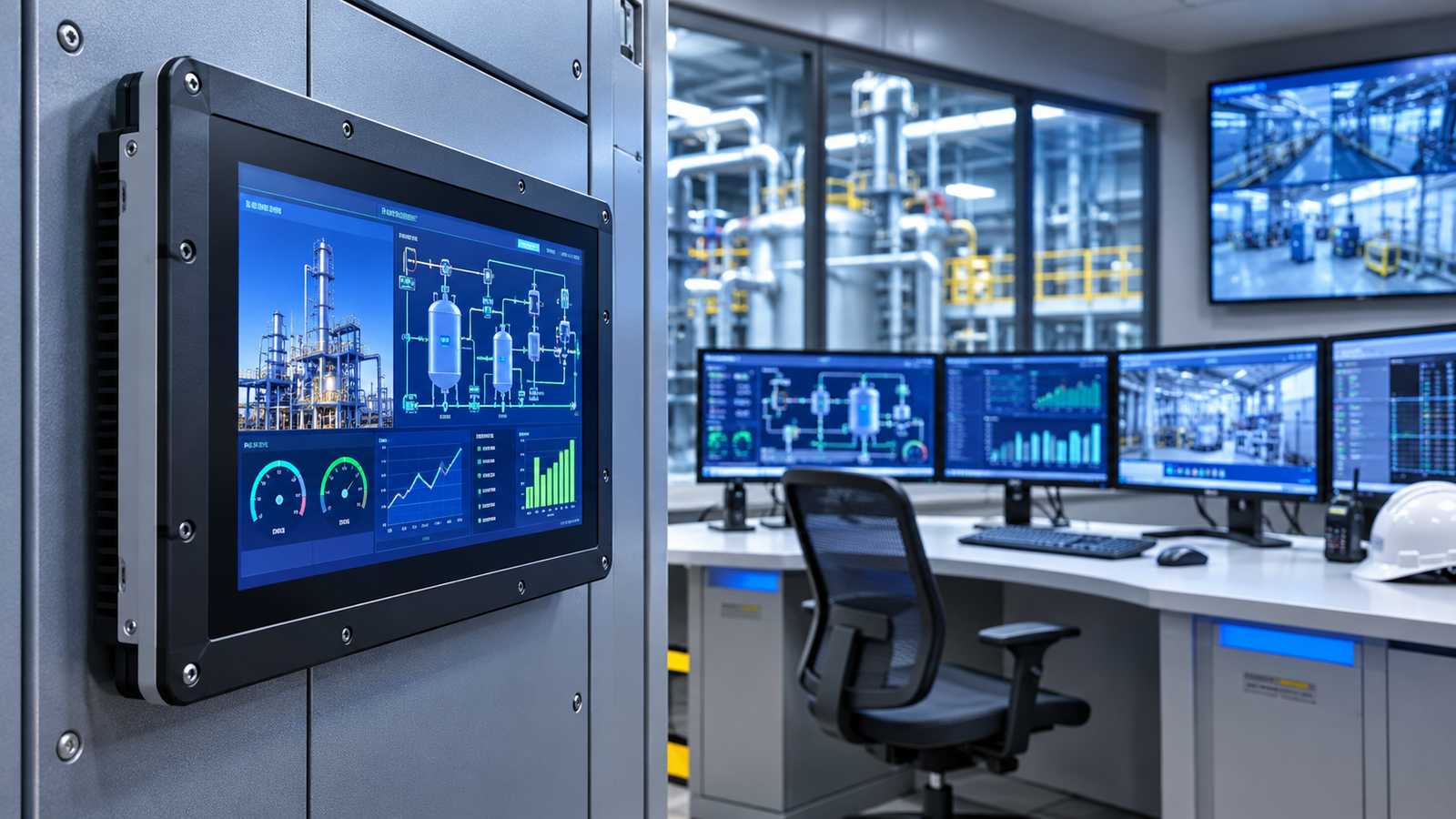
An industrial Panel PC combines a display, touch interface and computing platform in one unit. It gives operators a consistent point for machine status, recipes, alarms and production instructions. Selection should consider the operator task, enclosure opening, software and factory conditions together.
Screen Size, Resolution and Viewing Conditions
Screen size depends on viewing distance, information density and panel layout. Resolution must support the application’s graphics and readable text. Brightness, contrast, viewing angle and glare matter near windows or bright production lighting. Validate actual HMI screens at the intended position.
Touch Technology and Operator Workflow
Projected capacitive touch offers a familiar multi-touch experience, while resistive touch can suit some glove or stylus workflows. Consider protective gloves, moisture, cleaning agents and precision. Test the touchscreen with intended users and the real interface.
Front Protection and Mechanical Integration
The front-panel rating, gasket, bezel and connector arrangement affect the complete installation. Check panel cut-out dimensions, mounting clamps, rear clearance, cable routing and service access. For washdown or chemical exposure, verify the exact cleaning and environmental requirements.
Computing Performance and Software Compatibility
The internal computer should support HMI, SCADA or visualization software at the required resolution and response speed. Check processor, memory, storage, graphics, OS and licensing. Confirm driver availability and long-term OS support before choosing a configuration.
Connecting Panel PCs to Automation Equipment
Typical connections include Ethernet, serial ports, USB, display outputs and optional I/O. Confirm communication protocols, network topology and connector locations. Test with the exact controller and application because a matching connector alone does not guarantee compatibility.
Panel PC Product Options
Options may include stainless-front Panel PCs, capacitive and resistive touchscreen models, fanless Panel PCs, embedded box PCs and industrial monitors. Screen size, processor, mounting and I/O vary. Choose for the operator task and environment, not just a product label.
Installation, Validation and Maintenance
Commissioning should cover mounting, grounding, power quality, network connection, touch calibration where applicable, software recovery and alarm visibility. Train operators on cleaning and normal use. Elpro Technologies can review display, touch and integration requirements.
Related Industrial Products
- Capacitive touchscreen Panel PCs
- Resistive touchscreen Panel PCs
- Fanless Panel PCs
- Industrial monitors
- Embedded box PCs
- Industrial computers
- Touchscreen peripherals
- Mounting and I/O accessories
Frequently Asked Questions
What is a Industrial Panel PCs?
A industrial panel pcs is an industrial computing solution selected to meet a defined application, environmental and integration requirement. Exact capabilities depend on the model and configuration.
Where is Industrial Panel PCs commonly used?
Typical applications include manufacturing, process control, machine operation, inspection, logistics and industrial monitoring. The final choice should follow the actual workflow.
How do I select the right configuration?
Start with software, performance, display, mounting, power, I/O, temperature, protection and lifecycle needs. A written requirements list makes comparisons more meaningful.
Which processor or platform should I choose?
Select the platform from measured application load, compatibility and future headroom. Benchmark the intended software and avoid choosing solely by processor model.
What operating systems can be supported?
Operating-system support is model-specific. Confirm the exact version, drivers, licensing and vendor validation before deployment.
Which I/O interfaces should I check?
Check Ethernet, USB, serial, display and any fieldbus or digital I/O requirements. Connector presence alone does not guarantee protocol compatibility.
Can it integrate with PLC and SCADA systems?
Integration is possible when the computer, drivers, protocols and automation devices are compatible. Test with the actual PLC, SCADA or MES environment.
Is it suitable for continuous operation?
Continuous operation depends on thermal design, component selection, power quality, workload and maintenance. Verify ratings for the complete configured system.
How important is thermal management?
Thermal performance depends on ambient temperature, enclosure, mounting orientation and sustained workload. Validate the system in its final installation.
What environmental factors matter?
Consider dust, moisture, vibration, shock, electrical noise, cleaning agents and available service access. Use published ratings for the complete assembly.
What maintenance should be planned?
Plan backups, software updates, storage-health checks, cleaning where specified and replacement-unit availability according to production criticality.
What details should I share when requesting a quotation?
Share application software, processor load, operating system, interfaces, display, mounting, power, environment, expected duty cycle and quantity.
About Elpro Technologies
ELPRO TECHNOLOGIES
Technik and Innovation
#43, 2nd Cross Road, P&T Colony, R.T. Nagar, Bengaluru – 560032
sales@elprotech.in | info@elprotech.in
+91-8892147021 | +91-8892147023
www.elprotech.in