Industrial technology guide by Elpro Technologies
How Fanless Industrial Computers Work
A fanless computer removes the conventional internal cooling fan and transfers heat through a heatsink or conductive enclosure. This is useful where dust, vibration or limited maintenance access makes moving parts undesirable. It does not eliminate heat; it changes how heat is moved away from the processor and other components. The enclosure and installation therefore form part of the thermal design.
Benefits and Practical Trade-Offs
Removing a fan reduces one mechanical failure point and can reduce the amount of dust drawn into the chassis. It may also simplify maintenance in installations where internal airflow paths would otherwise need regular cleaning. However, fanless systems still require appropriate environmental protection, storage health checks and software maintenance. Their performance must be evaluated against the sustained workload and ambient temperature.
Thermal Validation Before Procurement
Review processor power, ambient temperature, mounting orientation, chassis surface temperature and available clearance. A compact unit placed against a cabinet wall may dissipate heat differently from the same unit mounted in open air. Test the final configuration under a representative workload for long enough to observe steady-state behavior and any thermal throttling.
Processor and Workload Matching
Compact control tasks, gateways and data logging may need modest compute, while machine vision and edge analytics may demand more processing capacity. Benchmark the actual application and confirm memory, graphics, storage and driver support. Leave practical headroom for software updates and additional functions without exceeding the thermal envelope.
Dust, Vibration and Protection
Fanless design can reduce dust ingestion but does not automatically make a computer sealed, waterproof or suitable for every harsh environment. Check published ingress, shock, vibration and temperature ratings. Pay attention to connectors, cable retention and power input because these can be weak points in an otherwise rugged installation.
Mounting and Cabinet Integration
DIN-rail, wall and VESA mounting are available on selected platforms. Maintain clearance around heat-dissipating surfaces and avoid insulating obstructions. In sealed cabinets, assess internal temperature and cabinet heat removal. Confirm the approved mounting orientation and ensure the unit remains accessible for service.
Fanless Product Categories
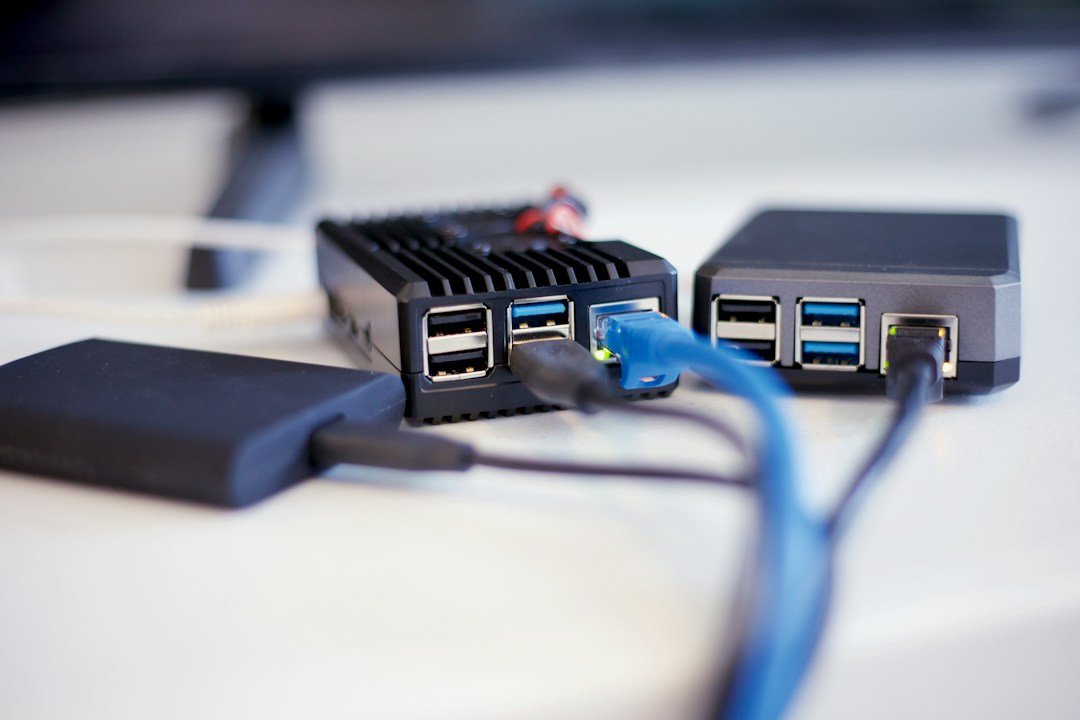
Relevant options include compact fanless box PCs, embedded fanless computers, fanless Panel PCs, passively cooled industrial motherboards, DIN-rail computers and low-power edge gateways. Compare processor class, port count, display outputs, expansion, storage and operating system to the actual use case.
Deployment and Lifecycle
Commissioning should include a sustained load test, temperature observation and power-recovery verification. Keep external heat-transfer surfaces clear as directed, maintain software backups and monitor storage health. Elpro Technologies can review fanless computing requirements based on workload, mounting, ambient temperature and industrial interfaces.
Related Products and Solutions
- Fanless embedded box PCs
- DIN-rail fanless computers
- Fanless Panel PCs
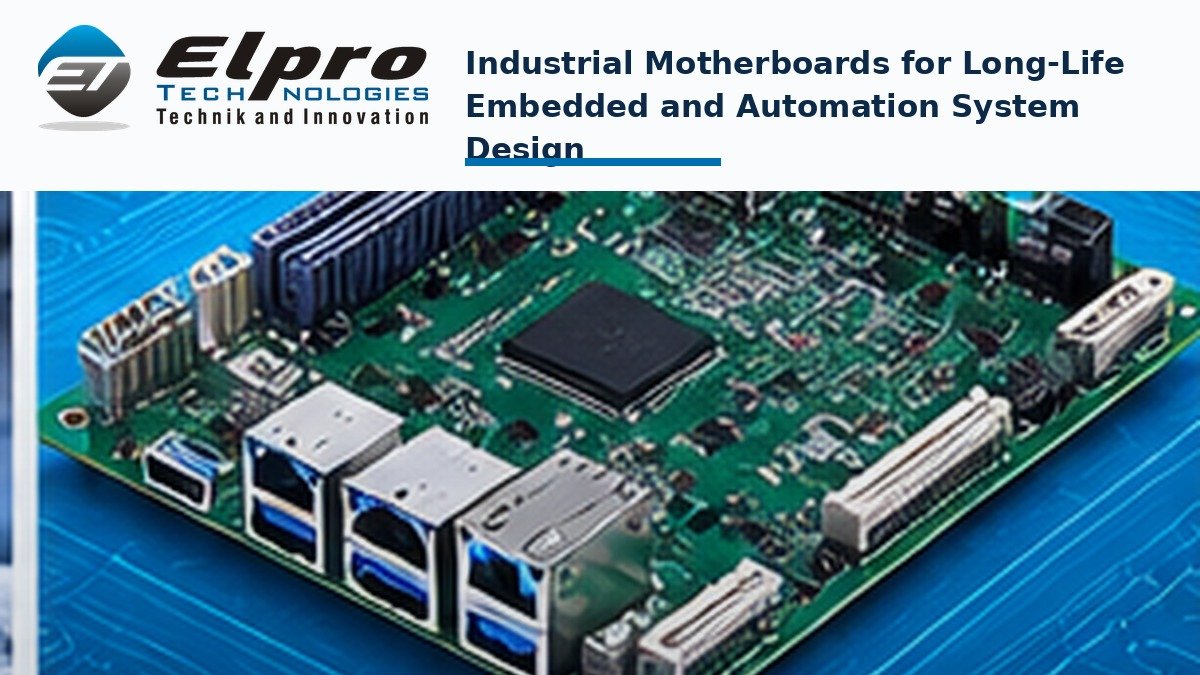
- Industrial motherboards
- Low-power edge gateways
- Industrial SSDs
- Serial and Ethernet expansion accessories
Frequently Asked Questions
What is Fanless Industrial Computers?
Fanless Industrial Computers refers to an industrial computing category used to perform a defined control, monitoring, visualization or data-processing task. Capabilities vary by configuration.
What industries use Fanless Industrial Computers?
Manufacturing, process industries, logistics, utilities and infrastructure may use this technology depending on the workflow and integration needs.
How should I select a model?
Start with the application, software, compute load, I/O, mounting, power, environment and lifecycle. Confirm the specification against the real installation.
Which processor or controller is suitable?
Select processing capability from the software workload and performance target. Validate the intended application rather than relying on headline specifications.
What operating systems are supported?
Operating-system compatibility depends on the hardware model and vendor support. Confirm versions, drivers, licensing and update policy.
Which connectivity options should I check?
Review Ethernet, USB, serial, display, wireless and specialist interfaces against the equipment list and network design.
Can the system connect to PLCs or SCADA?
Integration is possible when protocols, drivers and network requirements match. Validate communication with the actual automation devices before deployment.
Can it operate continuously?
Continuous operation depends on thermal margins, component selection, power quality, workload and maintenance. Check the rated duty conditions.
How should I assess the operating environment?
Consider temperature, dust, moisture, vibration, shock, electrical noise, cleaning and service access. Match the complete installation to the environment.
What should I know about installation?
Confirm dimensions, mounting, grounding, cable routing, ventilation and access for replacement before the equipment arrives.
What maintenance is required?
Plan backups, software updates, storage checks and inspection according to the criticality of the application and manufacturer’s instructions.
What information is needed for a quotation?
Share the application, software, performance, I/O, operating system, power, mounting, environmental conditions, quantity and expected service life.
About Elpro Technologies
ELPRO TECHNOLOGIES
Technik and Innovation
#43, 2nd Cross Road, P&T Colony, R.T. Nagar, Bengaluru – 560032
sales@elprotech.in | info@elprotech.in
+91-8892147021 | +91-8892147023
www.elprotech.in