
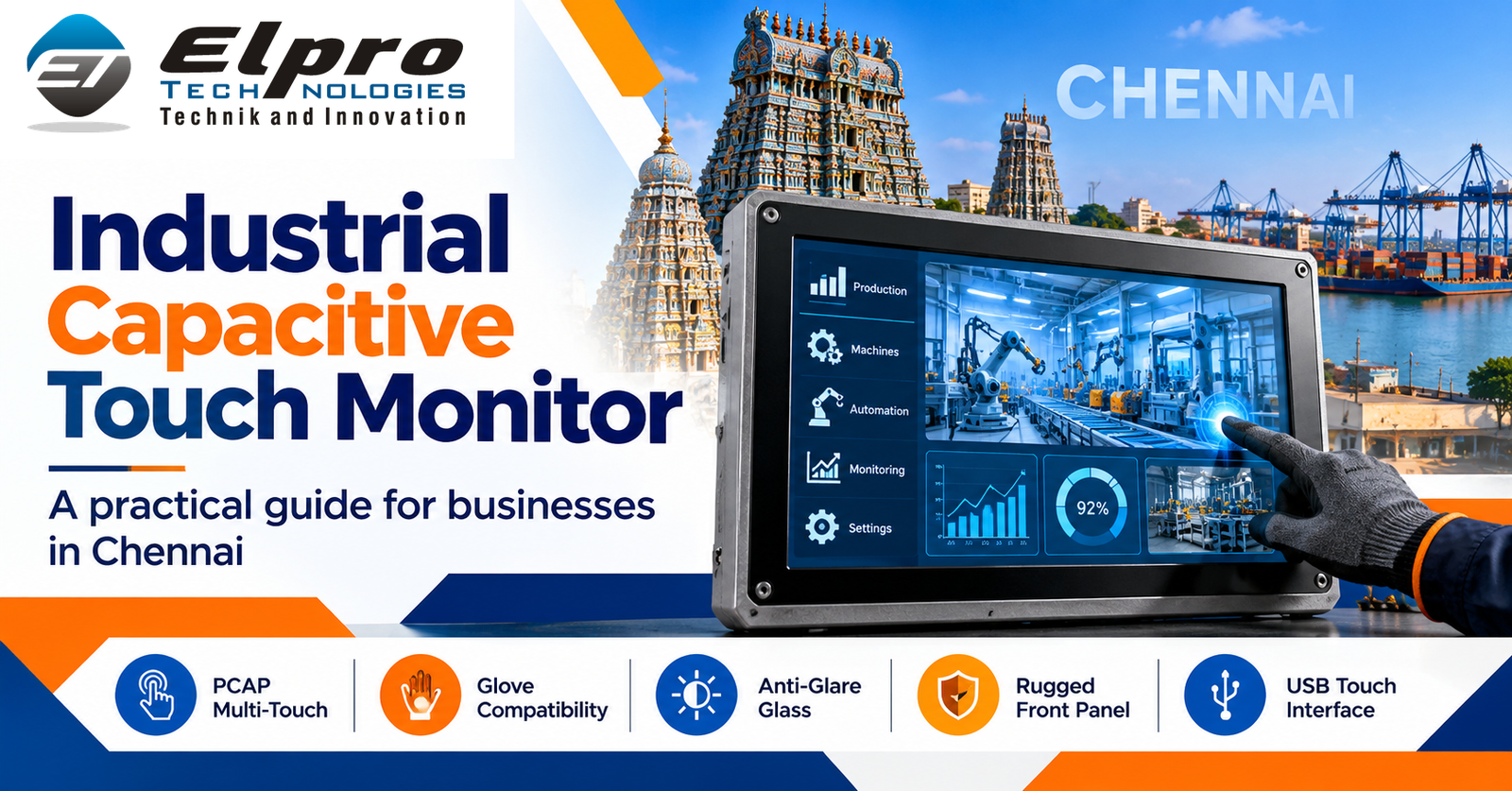
An Industrial Panel PC with Capacitive Touchscreen combines an industrial computing platform and a responsive operator display in one integrated unit. It is used for machine interfaces, production monitoring, process visualisation, data entry and supervisory applications. For projects in Chennai, choosing the right configuration requires more than comparing screen sizes: buyers should evaluate the application software, mounting space, operating environment, network architecture and expected service life.
Where capacitive industrial panel PCs are used
Capacitive touchscreen panel PCs are suitable for operator interfaces that benefit from a clear glass surface, accurate touch response and multi-touch interaction. Typical applications include packaging machinery, assembly stations, process control, inspection systems, production dashboards, warehouse terminals and machine status displays. The final suitability depends on the touch controller, screen construction, glove requirements and environmental conditions at the installation point.
Choose the display and touch configuration
Start with the operator’s viewing distance and the information displayed at one time. Confirm diagonal size, native resolution, brightness, viewing angle, aspect ratio and front-glass characteristics. Projected capacitive touch is commonly selected for finger-based interaction and modern graphical interfaces. If operators use gloves, handle liquids or work with a stylus, test the proposed touchscreen with the actual accessories and workflow before approving the model. Do not assume every capacitive screen supports every glove type.
Computing platform, memory and storage
Match the processor to the HMI runtime, SCADA client, browser dashboards, database access and local data logging workload. Provide sufficient memory for the operating system and applications, with headroom for future software changes. Select industrial-grade storage based on capacity, write endurance, temperature range and recovery requirements. Confirm whether the system uses an SSD or other storage type and document the approved replacement procedure.
Operating system and connectivity
Verify compatibility with the control software, device drivers, security policy and licensing requirements. Confirm Ethernet, USB, serial ports, display outputs and any required fieldbus or expansion interfaces. For PLC communication, identify the PLC make and model, protocol, network segmentation and any gateway requirements. Review remote maintenance access with the plant IT team rather than enabling remote connectivity without an approved security plan.
Mechanical and environmental checks for Chennai installations
Before fabrication, approve the panel cut-out, bezel dimensions, mounting clamps, rear clearance and cable bend radius. Check the expected ambient temperature, humidity, dust, vibration, electrical noise and exposure to cleaning agents. Ask for the exact ingress-protection rating and clarify whether it applies to the front panel, rear enclosure, connectors or complete installed assembly. Use suitable grounding and power conditioning where site conditions require them.
Selection and commissioning checklist
- Document the HMI tasks and the number of screens or data points displayed.
- Confirm screen size, resolution, brightness and touch behaviour.
- Match CPU, RAM and storage to the actual software workload.
- Confirm OS version, licence, drivers and application compatibility.
- List all PLC, scanner, printer, sensor and network connections.
- Approve mechanical drawings and environmental specifications.
- Test touch accuracy, readability, alarms and communications at the machine.
- Prepare a system image, configuration backup and spare-parts plan.
Working with a manufacturer
When requesting a proposal, provide the application description, panel drawing, preferred display size, operating system, interface list, environmental conditions, quantity and target delivery schedule. Ask for a model-specific datasheet, mounting drawing, warranty terms and lifecycle information. Where the system is production-critical, validate a sample configuration before standardising it across multiple machines.
Elpro Technologies industrial computing solutions
Elpro Technologies works with industrial computing requirements including industrial panel PCs, industrial computers, fanless PCs, embedded computers, rugged systems and industrial displays. Share the machine details and application requirements so the configuration can be reviewed against the intended use. Explore related resources on Linux Industrial Panel PC platforms, industrial panel PCs for CNC machines and the Elpro Technologies contact page.
Frequently asked questions
Can capacitive touch work with gloves?
Some systems support selected gloves, but performance varies by glove material and thickness, controller and settings. Test with the actual operator gloves.
Can an industrial panel PC communicate with a PLC?
Yes, when the required physical interfaces, protocols and compatible software are available. Confirm the PLC model and communication method during specification.
What determines the required processor?
The HMI or SCADA software, number of concurrent applications, data processing needs and expected future workload determine processor requirements.
Does a front-panel IP rating cover the whole computer?
Not necessarily. Confirm exactly which surfaces and connectors are covered and whether the rating applies to the complete installed system.
What should be included in a quotation request?
Include the panel drawing, display and touch requirements, OS, CPU workload, memory and storage, I/O list, environmental conditions, quantity and schedule.
Contact Elpro Technologies
Elpro Technologies
#43, 2nd Cross Road, P&T Colony, Opposite BWSSB Office, R.T. Nagar, Bengaluru – 560032, Karnataka, India.
Mobile: +91-8892147021 / +91-8892147023
Email: sales@elprotech.in | info@elprotech.in
Website: www.elprotech.in
Elpro Technologies – Technik and Innovation.

