
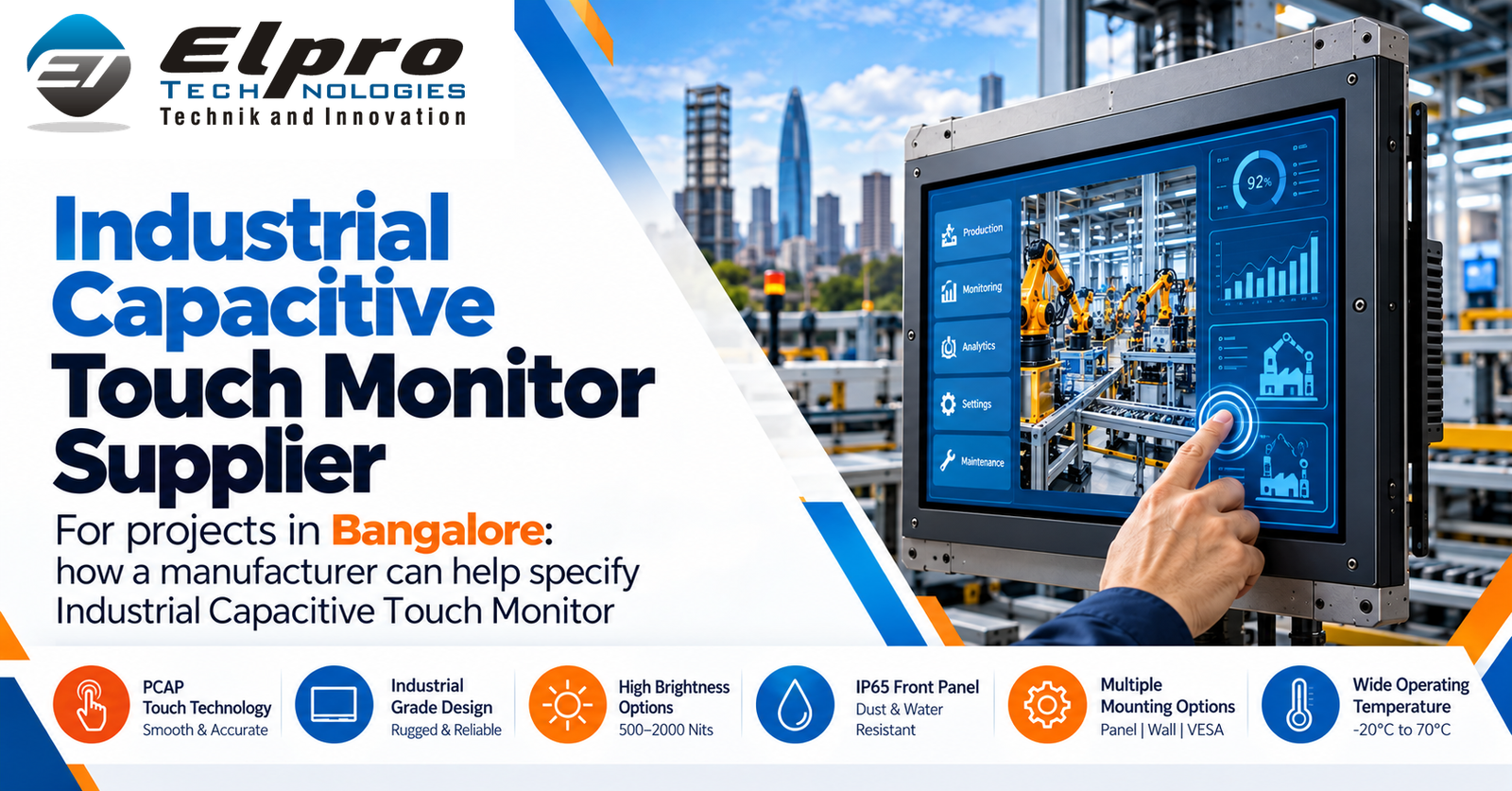
An Industrial Panel PC with Capacitive Touchscreen integrates an industrial computer and operator touchscreen for HMI, machine control, production monitoring and industrial information workflows. For projects in Bangalore, select the system around the operator task, panel cut-out, environmental conditions, connected equipment and software requirements—not simply screen size or processor speed.
Touch technology and operator workflow
Projected capacitive touch supports a responsive glass-front interface and multi-touch gestures. Confirm operation with the actual gloves, moisture conditions, screen protector and HMI software. Touch performance also depends on controller quality, calibration, grounding and the software interface.
Hardware selection checklist
- Display: size, native resolution, brightness, viewing angle and aspect ratio.
- Compute: processor and memory sized for HMI, SCADA, browser dashboards and data logging.
- Storage: SSD capacity, endurance, backup and recovery plan.
- Operating system: application compatibility, drivers, licensing and security updates.
- Connectivity: Ethernet, USB, serial, display outputs and fieldbus requirements.
- Mechanical: cut-out drawing, bezel, mounting clamps, rear clearance and cable bend radius.
Industrial environment and installation
Check operating temperature, humidity, vibration, dust exposure, electrical noise and the exact ingress-protection scope. A front-panel rating does not automatically cover the rear chassis, connectors or completed installation. Confirm power input, grounding, surge protection and cable routing. Approve the mechanical drawing before the cabinet or machine panel is fabricated.
Bangalore project planning and commissioning
Bring production, automation, maintenance and IT teams into the specification process. Record the operator position, ambient lighting, shift pattern, PLC model, network topology and connected peripherals. During commissioning, verify the operating-system image, drivers, HMI/SCADA application, touch accuracy, screen readability, alarm visibility and communication with connected equipment. Test with the actual operator workflow rather than relying only on a desktop demonstration.
Lifecycle support and buyer questions
Request the exact model datasheet, touch-controller details, interface map, mounting drawing, environmental ratings, warranty and lifecycle availability. Clarify whether RAM, storage, power supply, operating-system licence, mounting accessories and cables are included. Keep a tested system image, configuration backups, software-version records and an agreed spare strategy to reduce recovery time.
Elpro Technologies
Elpro Technologies supports industrial computing requirements including industrial panel PCs, industrial computers, fanless PCs, embedded computers, rugged systems and industrial displays. Share the application, mechanical drawing, operating environment, touch preference, software platform and I/O list for configuration review. Read related guides: Linux Industrial Panel PC platforms, panel PCs for CNC machines and contact Elpro Technologies.
FAQs
How do I choose display size?
Consider viewing distance, HMI layout, operator reach, available panel space and minimum application resolution.
Can it connect to a PLC?
Yes, when the required Ethernet, serial or fieldbus interface and compatible protocol support are available. Confirm the PLC model during specification.
What should be checked before installation?
Verify cut-out, mounting hardware, rear clearance, power, grounding, cable routing, network access and environmental ratings.
How can downtime be reduced?
Maintain a tested system image, configuration backups, version records and suitable spare parts.
Contact Elpro Technologies
Elpro Technologies
#43, 2nd Cross Road, P&T Colony, Opposite BWSSB Office, R.T. Nagar, Bengaluru – 560032, Karnataka, India.
Mobile: +91-8892147021 / +91-8892147023
Email: sales@elprotech.in | info@elprotech.in
Website: www.elprotech.in
Elpro Technologies – Technik and Innovation.

